Overview
Turns a few trip choices into a day-by-day vacation plan that travellers can refine with filters or a plain-language command, then add activities, attractions and restaurants to.
- Role
- UX Designer, Motivity Labs
- Client
- CheapCaribbean
- Platform
- Web, with a mobile view
- Scope
- The prompt, the generated itinerary, and editing and refining it
- AI
- Trip planning
- Web
- Itinerary
Mockups
These are the final screens for CheapCaribbean's itinerary generator, from the first questions to a day-by-day plan the traveller can change, share and download.
Start planning
The generated itinerary
Adding to a day
At the end of each day a prompt offers a choice: spend time at leisure, or add an activity to the day. The add flow opens one modal with four tabs: Packages, Activities, Attractions and Restaurants. Excursions open in their own list with an Update Itinerary button.
On a phone
Style guide
- #25CAD0
- #DB487E
- #09153D
- #666C7A
The typeface is Roboto, in four weights: regular, medium, semibold and bold. The colours and the type are shared with the Hotel Booking Platform work for the same client.
UX case study
The brief
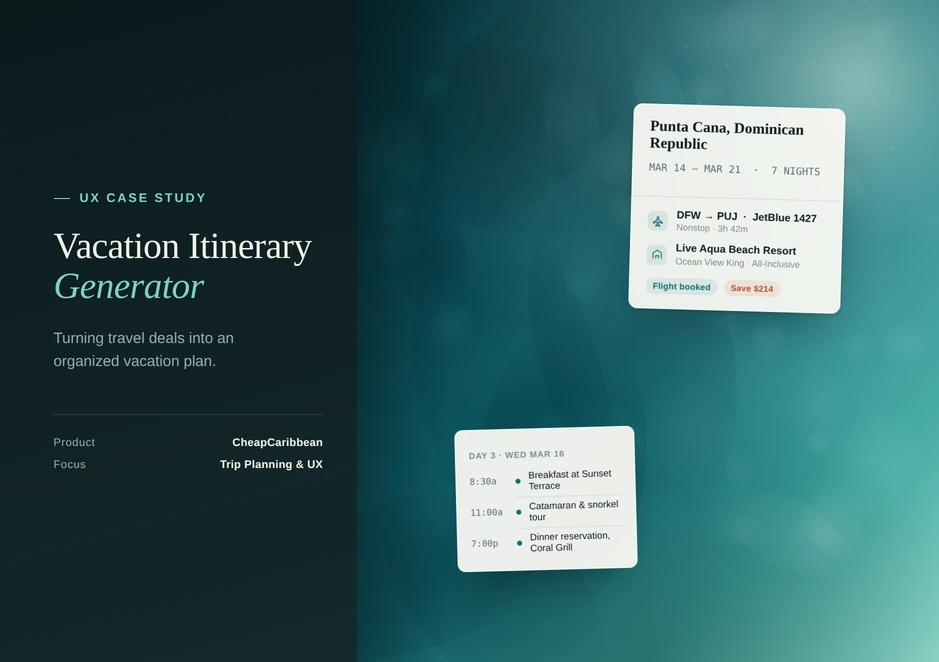
CheapCaribbean sells flight and hotel deals. The project was to turn those deals into an organized vacation plan: a generator that builds an itinerary from a few choices and lets the traveller change it. I designed it as a UX Designer at Motivity Labs, covering the prompt, the generated results, and the editing and refining tools.
Process and timeline
The work followed the same four-week plan as the hotel booking project, one phase per week.
Week 1: Research
The idea, the target audience and the market.
Week 2: Moodboard
Inspiration, curation and presentation.
Week 3: Wireframe
Sketching the layout of the user interface.
Week 4: UI design
Conceptualisation, refinement and iteration.
How the flow works
- Start. The traveller plans a new trip or enters a reservation number.
- Describe the trip. They choose a destination, a starting date and a number of nights from three to seven, tick any of four themes (Adventure, Romance, Relaxation, Family Activities) and can type their travel preferences in their own words.
- Read the plan. A day-by-day itinerary appears, with the approximate travel time between each stop.
- Refine it. Filters in the side rail change the number of nights, the start and end time and whether lunch and dinner are included. A command field takes a plain-language request, for example add more romance or add snorkeling.
- Add to a day. At the end of each day the traveller can leave it at leisure or add a package, activity, attraction or restaurant.
- Take it away. The itinerary can be shared or downloaded.
What the design does
Two ways to start
Plan a new trip, or enter a reservation number.
Choices, plus free text
Themes and nights are picked from fixed options, and travel preferences can also be typed in the traveller's own words.
Two ways to refine
Structured filters for the things that have a value, such as nights and times, and a command field for everything else.
Travel time between stops
Each stop on the timeline shows the approximate minutes of travel to the next, so the day can be read as a route.
A prompt at the end of every day
End of Day offers leisure time or Add Activity to Day, so the next step is always visible.
A path back to the deals
A banner on the itinerary asks, Still looking for great deals on Flight and Hotel? and links to them.